 Photo Video Editor
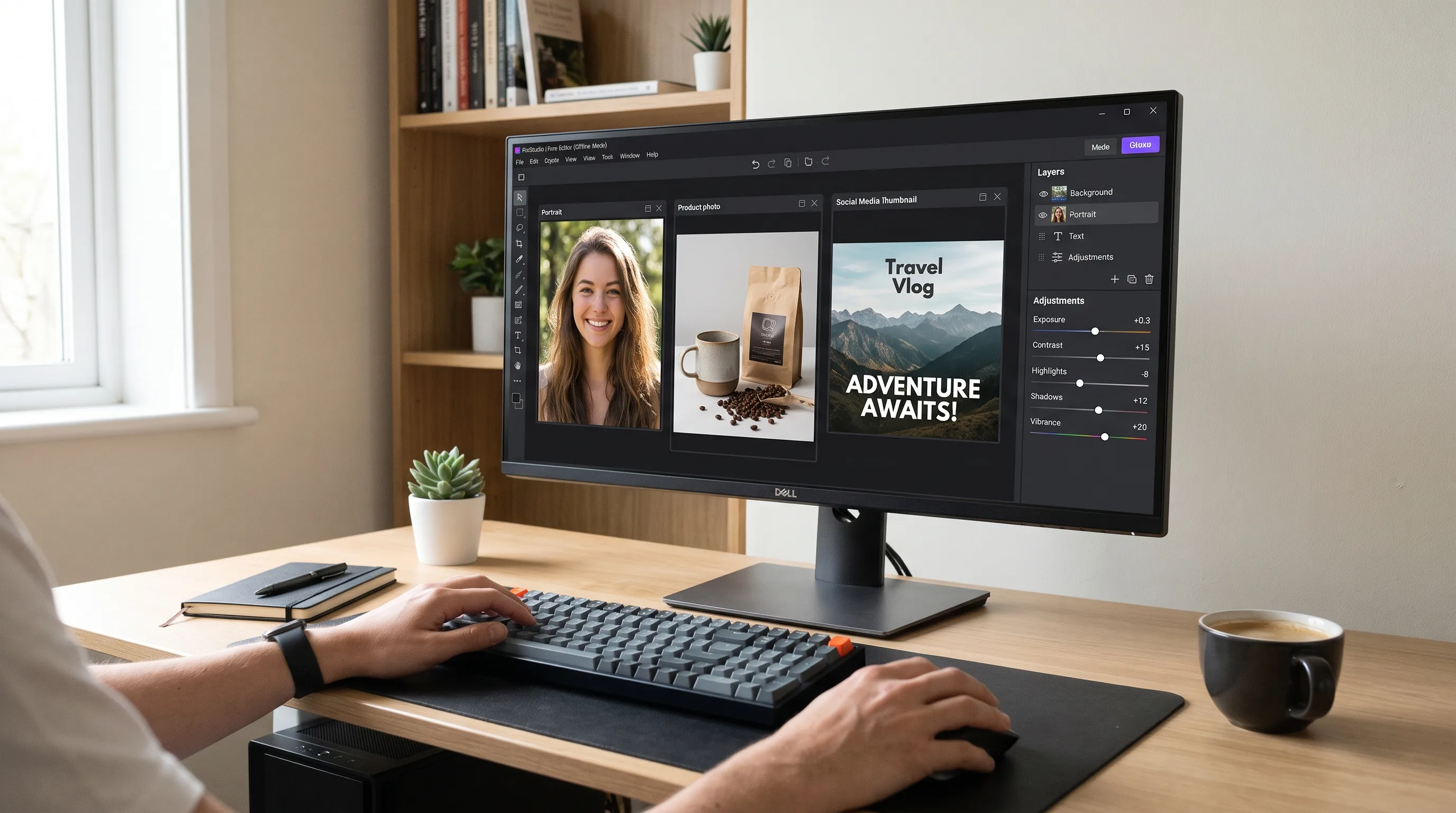
Installing a huge editor for one quick crop is frustrating. A good free photo editor for PC should open quickly, handle everyday corrections, export without an unwanted watermark, and provide a path to more advanced editing when needed.
Pixlr Desktop is one option, alongside GIMP, Photopea, Adobe Express, and browser-based tools. The best choice depends on whether you need offline access, layers, templates, AI features, RAW support, vector export, or fast social content.
Get the Pixlr Desktop App
Pixlr Desktop brings Pixlr's photo editing workflow to Windows and Chromebooks. It includes intuitive AI photo-editing tools, effects, filters, and offline editing capabilities. It is suitable for portraits, product images, social posts, thumbnails, collages, and everyday designs.
What Pixlr Desktop is useful for
- Correcting exposure, color, contrast, and sharpness
- Applying effects and filters
- Retouching images for websites and social media
- Creating collages, thumbnails, and promotional graphics
- Using AI-assisted editing tools
- Editing offline after installation
Pixlr is a friendly starting point for users who want more than a basic phone filter without the complexity of a professional suite. For advanced color management, specialist RAW processing, complex compositing, or extensive layer workflows, compare it with GIMP or Photopea.
How to choose free photo editing software for PC
Free software may mean a free desktop download, browser editor, or free tier with limits on AI tools, templates, storage, or exports. Choose based on the task you need to complete.
| Need | Important features | Options |
|---|---|---|
| Quick edits and social graphics | Simple controls, presets, resizing, and fast export | Pixlr, Adobe Express, Photo Video Editor |
| Advanced layers and retouching | Masks, selections, blend modes, and non-destructive editing | GIMP, Photopea, Pixlr |
| Offline editing | A desktop app that works without an internet connection | Pixlr Desktop, GIMP |
| Templates and branded content | Preset sizes, typography, layouts, and reusable designs | Adobe Express, Pixlr, browser editors |
| Vector logos | SVG support, shape tools, and editable text | Photo Video Editor and vector tools |
| Privacy-sensitive files | Local processing or a clear upload policy | Desktop editors and local browser workflows |
Pixlr Desktop includes AI-assisted tools for tasks such as object removal, portrait improvements, background changes, and image expansion. Always inspect AI results at full size, especially around hair, hands, product edges, text, and shadows. Effects and filters are useful for quick styling, but save the original and use adjustments lightly.
Other free photo editing software
GIMP
GIMP is a free, open-source, cross-platform editor for Windows, macOS, GNU/Linux, and other systems. It supports layers, selections, masks, filters, painting, retouching, and extensions. Its main drawback is a steeper learning curve.
Adobe Express
Adobe Express provides a free online editor and Windows desktop app for photo editing, screenshots, annotations, social posts, thumbnails, and promotional designs. Check current free-plan limits for AI features, assets, storage, and exports.
Photopea
Photopea runs in a browser and provides a Photoshop-like workflow with layers, selections, masks, and familiar file formats. It is useful on Chromebooks or shared computers, although performance depends on the browser and device.
Photo Video Editor
Photo Video Editor works in a browser without installation or an account. Its core photo and video editors do not add watermarks, and files remain on the device during normal use. It supports photos, videos, logos, business cards, flyers, posters, covers, thumbnails, reels, shorts, and stories. Free SVG export and applicable MP4 export are available, while optional AI tools use paid credits displayed before use.
Desktop or browser editor?
Choose a desktop editor when you need offline access, advanced layers and masks, large-file support, local file handling, or a dedicated application. Choose a browser editor when you need immediate editing without installation, use a Chromebook or shared computer, want to work across photo and video projects, or only need a crop, resize, background removal, or quick export.
How to edit a photo on a PC
- Make a copy of the original.
- Import the copy into a desktop or browser editor.
- Crop and straighten before detailed retouching.
- Correct exposure and white balance.
- Adjust contrast, highlights, shadows, and saturation carefully.
- Retouch only important distractions and check the image at normal viewing size.
- Resize for the destination platform.
- Save a working file and export a delivery copy as JPG, PNG, SVG, or MP4 when appropriate.
- Review the exported file for dimensions, transparency, compression, text, and color.
Photo editing comparisons
Photo editing improves or prepares an existing image, while photo manipulation changes the scene more substantially through compositing, background replacement, or object transformation. Graphic design combines images with layouts, typography, shapes, and messaging. Photoshop offers advanced professional tools, while free editors are often faster for cropping, filtering, resizing, thumbnails, background removal, and simple social graphics.
VSCO is known mainly for mobile presets and a curated editing experience. A PC editor is generally better for large files, layers, precise selections, business graphics, and multiple export formats.
AI photo editing prompts
Effective prompts describe the subject, requested change, elements that must remain unchanged, style, lighting, background, dimensions, and restrictions. Always review AI results for altered faces, hands, text, logos, product shapes, and unrealistic shadows. AI tools may use credits, so confirm pricing before running them.
What to check before downloading
- Operating system compatibility
- Offline behavior
- Supported import and export formats
- Watermarks
- Account requirements
- Privacy and file-upload policies
- AI pricing and credit limits
- Maximum resolution and export dimensions
- Support for your required layers, masks, templates, or vector tools
For more comparisons, see guides to the best free photo editing apps, photo editing software, and the photo editing guide.
Everything in this article works in the browser editor. No watermark, no account.