 Photo Video Editor
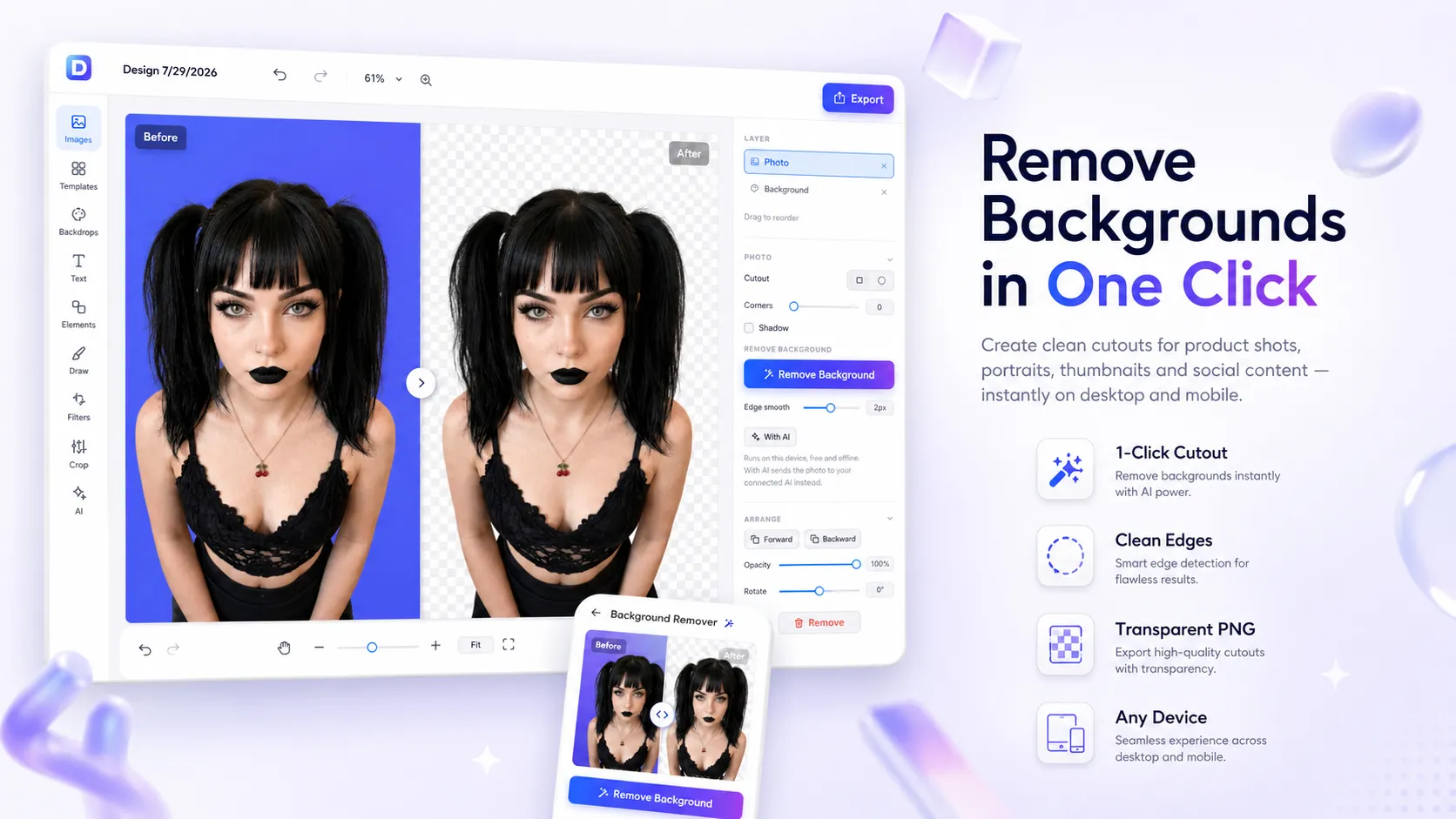
A free online background remover uses AI to automatically detect the main subject in a photo and erase everything behind it, leaving a clean transparent PNG. In 2026 these tools are fast, accurate, and often completely free — with no watermarks, no account required, and in many cases no upload to a server.
Whether you need product shots for e-commerce, professional headshots, social media cutouts, or design assets, a good free background remover can save hours of manual work in Photoshop.
What Is a Background Remover and How Does It Work?
Background removal (also called background eraser or cutout tool) isolates the foreground subject — a person, product, animal, car, or logo — and removes the original backdrop. Modern tools rely on AI segmentation models that analyze edges, hair, fur, and fine details in seconds.
There are two main types:
- Server-based tools – Your image is uploaded and processed on remote servers (fast, but less private).
- Browser-based / local tools – Processing happens entirely on your device using WebAssembly or WebGPU. Your photo never leaves your computer or phone.
The best free options in 2026 increasingly favor local processing for privacy while still delivering full-resolution, watermark-free results.
Key Benefits of Free AI Background Removers
- Speed – Most tools finish in under 5 seconds
- No design skills needed – One-click removal replaces hours of manual masking
- Full resolution output – Many free tools now keep original quality (no forced downscaling)
- Transparent PNG export – Ready for any background, design, or listing
- No watermark – Clean results you can use commercially
- Privacy options – Local processing means sensitive photos stay on your device
- Works on any device – Desktop browsers and mobile phones
How to Remove a Background Online for Free (Step-by-Step)
- Choose a free background remover
Open a browser-based tool that offers no-signup, no-watermark removal. - Upload or drop your image
Supported formats usually include JPG, PNG, WebP, and sometimes HEIC. Drag-and-drop or paste from clipboard works on most sites. - Let the AI process the image
The tool automatically detects the subject and removes the background. Processing typically takes 1–5 seconds. - Review and refine (if available)
Some tools let you paint back edges or change the new background to a solid color, gradient, or custom image. - Download the result
Export as a transparent PNG at full resolution. Confirm there is no watermark before using the file.
That’s it — you now have a clean cutout ready for e-commerce, social media, presentations, or graphic design.
What Makes a Good Free Background Remover in 2026?
After comparing dozens of tools, these criteria separate the truly useful free options from the limited ones:
- Edge quality – Clean hair, fur, and complex outlines without halos or jagged edges
- Resolution – Full original size (not locked to low-res previews)
- No watermark – Clean commercial-ready output
- No forced signup – Instant use without email or account
- Privacy – Local/browser processing preferred for personal or client photos
- Unlimited or high daily limits – No tiny credit caps that interrupt workflow
- Extra features – Ability to replace the background with a new color or image
Common Use Cases for Background Removal
- E-commerce & product photos – Clean white or transparent backgrounds for Amazon, Shopify, Etsy listings
- Professional headshots & LinkedIn photos – Remove busy office or outdoor backgrounds
- Social media content – Create stickers, collages, or branded graphics
- Graphic design & presentations – Isolate logos, icons, or people for layouts
- ID photos & documents – Standardize backgrounds for passports or profiles
- Marketing creatives – Swap backgrounds for ads, banners, and thumbnails
Privacy Matters: Local vs Server Processing
Many popular free tools still upload your images to cloud servers. For everyday product shots this is usually fine, but for personal photos, client work, or confidential images, local processing is safer.
Modern free background removers that run entirely in the browser (using WebAssembly or WebGPU) keep every pixel on your device. The AI model downloads once, then works offline after the first use. This approach eliminates privacy concerns and often removes usage limits entirely.
Tips for Better Background Removal Results
- Use well-lit photos with clear contrast between subject and background
- Avoid heavy motion blur or extremely fine details against similar-colored backdrops
- For hair or fur, choose tools known for strong edge detection
- After removal, check the edges at 100% zoom before downloading
- If the first result isn’t perfect, try a slightly different crop or angle of the same photo
- Save as PNG to keep transparency; use JPG only if you want a solid new background
Free Background Remover vs Paid Tools
Paid services (remove.bg Pro, Photoroom, etc.) still lead in absolute edge quality on the hardest cases (glass, jewelry, extreme hair detail) and offer batch APIs. However, free AI removers in 2026 have closed the gap dramatically. For most portraits, product shots, and everyday images, a good free tool now delivers results that are good enough for professional use — without watermarks or resolution limits.
Final Thoughts
Free online background removers have become one of the most useful AI tools for creators, sellers, and everyday users. You can now remove a background in seconds, download a full-resolution transparent PNG, and keep your files private — all without creating an account or paying a cent.
The best approach is to try two or three free tools, test them on your typical photos (especially ones with hair or complex edges), and stick with the one that gives the cleanest results and the privacy level you need. Once you find a reliable free background remover, it quickly becomes an essential part of any photo workflow.
Everything on this page works in the browser editor. No watermark, no account, and your files never leave your device.