 Photo Video Editor
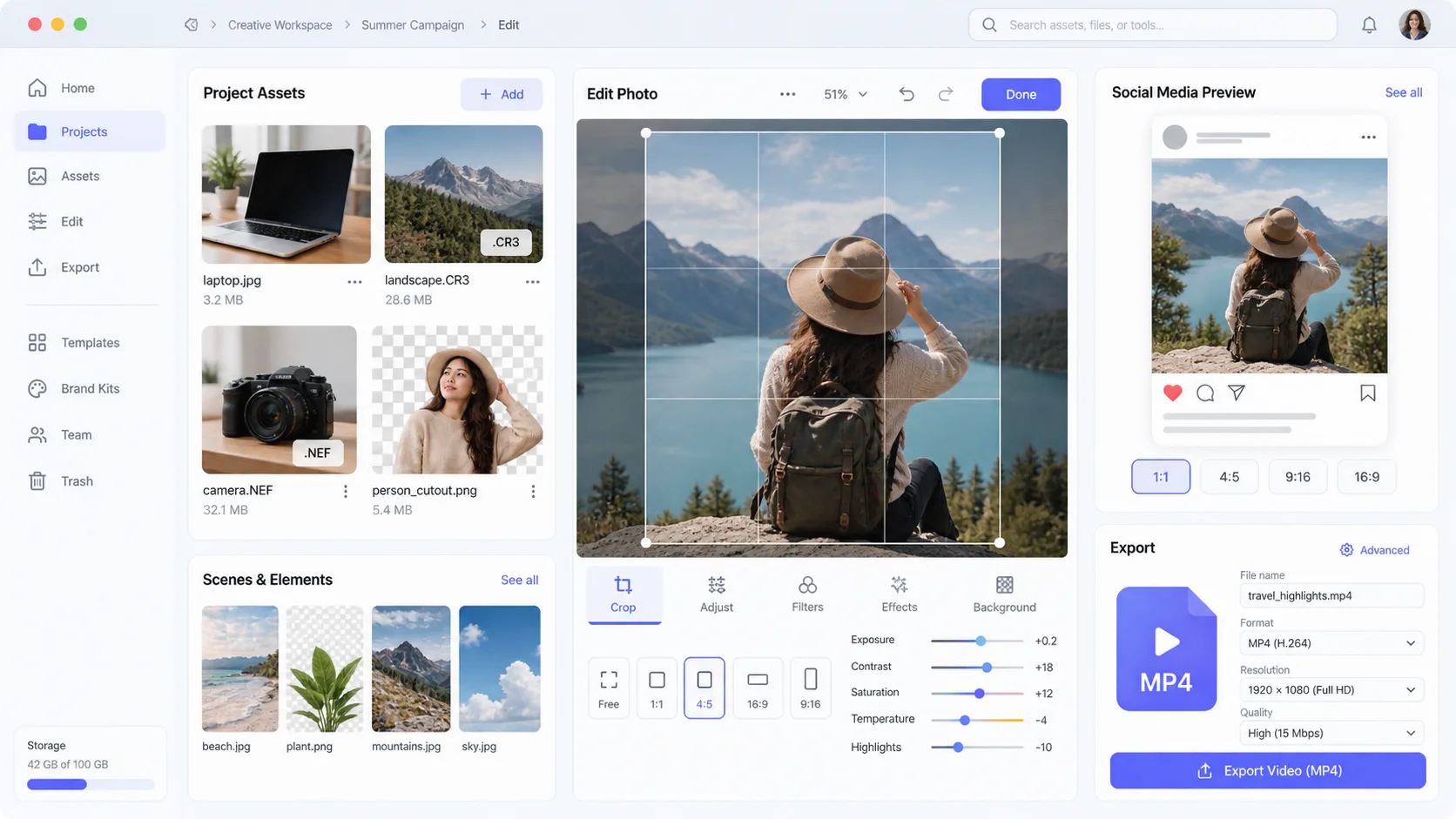
Free photo editors fall into three main groups: mobile apps for quick corrections, desktop tools for advanced control, and browser editors for work without installation. The best choice depends on whether you need a fast social crop, RAW processing, layers, a transparent PNG, batch processing, or a finished business design.
For mobile editing, Snapseed is a strong free choice for selective adjustments, curves, healing, perspective correction, and filters. Google Photos and Apple Photos are convenient for basic crops, lighting, color adjustments, and organization. Lightroom Mobile, Photoshop Express, PicsArt, Afterlight, PhotoRoom, and Remini offer free tiers with varying limits, advertisements, paid features, or export restrictions.
For browser-based editing, Photopea provides a Photoshop-like workspace with layers, selections, and PSD support. Canva, Pixlr, Kapwing, BeFunky, Desygner, Figma, Visme, and Gravit Designer are useful when photos need to become social posts, flyers, presentations, or other branded graphics. Photo Video Editor offers local browser-based editing without installation, registration, or watermarks, with files staying on your device during ordinary editing.
For desktop work, GIMP is a comprehensive open-source editor with layers, masks, selections, filters, and customization. Affinity Photo, PhotoDirector, PhotoWorks, PhotoFiltre Studio, and Lunacy offer additional workflows, although some are trials or paid products. Microsoft Photos is suitable for simple Windows edits, while Apple Photos handles everyday adjustments on Mac and iPhone.
Photographers working with RAW files may prefer Lightroom Mobile, Canon Digital Photo Professional, Fujifilm X RAW Studio, Sony Imaging Edge, OM Workspace, or other camera manufacturer utilities. Compatibility depends on the camera model and file format. ImageMagick is better suited to command-line processing, conversions, resizing, compositing, annotations, and repeatable batch tasks. Hugin specializes in panorama stitching, while G'MIC adds advanced filters and processing to GIMP.
For product photography and background removal, PhotoRoom and Remove.bg are convenient options. TouchRetouch focuses on removing unwanted objects, while Remini specializes in automated enhancement. Inspect AI-generated or automatically processed results carefully for distorted edges, text, hands, logos, hair, reflections, and product details.
When choosing a free editor, check export resolution, supported file formats, watermark rules, account requirements, advertising, cloud uploads, trial restrictions, and whether the required tool is behind a paid plan. A free tier does not always mean unlimited exports or full access.
A practical shortlist includes Snapseed or a built-in phone editor for quick corrections; GIMP, Photopea, Affinity Photo, or a manufacturer utility for advanced work; Canva, PicsArt, Figma, Desygner, or Photo Video Editor for finished graphics; ImageMagick for automation; Hugin for panoramas; and focused tools such as TouchRetouch or Remove.bg for specific tasks. The best free editor is the one that produces the required file at the required quality without an unexpected watermark, upload, account gate, or paid export screen.
Try it yourself, free
Open the editor
Everything in this article works in the browser editor. No watermark, no account.