 Photo Video Editor
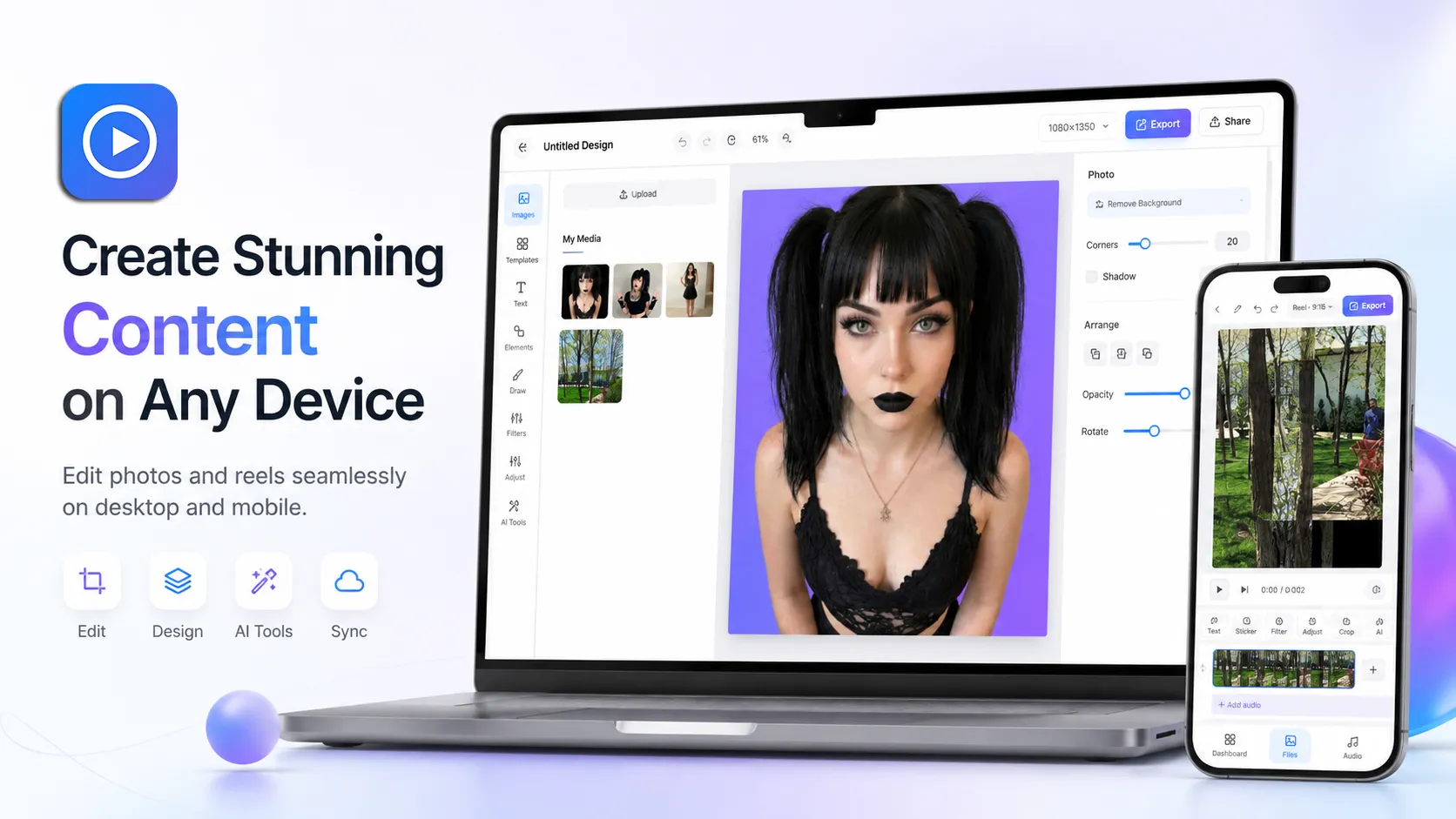
Need a clean photo editor that actually respects your privacy? Open this free online photo editor in your browser, drop in any image, and start editing right away. No account. No watermark. Your photos never leave your device.
Edit photos without the usual headaches
Most free photo editors either slap a watermark on your work, force you to create an account, or quietly upload your images to their servers. This one doesn’t.
Everything runs locally in your browser. You can crop a photo for an Instagram post, resize a cover image, or polish a YouTube thumbnail and download it at full quality — all without signing up or sending your files anywhere. Just open the editor and go.
What you can actually do with it
This photo editor is built for the everyday stuff creators need most:
- Crop and resize images for Instagram posts, Stories, Facebook covers, LinkedIn banners, and YouTube thumbnails
- Adjust brightness, contrast, and colors so your photos look sharp on any feed
- Add text, simple graphics, or your logo when you need quick branding
- Export clean PNG or JPG files with zero watermarks and no quality loss
It’s not trying to replace Photoshop. It’s made for the fast, practical edits you do every day. Try it free.
Why people keep coming back to it
It’s free. Forever. The photo editor has no export limits and no paywall for basic tools.
Your files stay on your device. Editing happens entirely in the browser. Nothing gets uploaded unless you deliberately use one of the optional AI tools (and even then, the price is shown first).
It works offline. Install it like an app and keep editing even when you lose connection.
No account needed. Just open the page and start. You can create an account later if you want the AI features, but it’s completely optional.
Perfect for these everyday jobs
- Making Instagram posts and Story covers that look consistent
- Creating YouTube thumbnails that actually get clicked
- Designing Facebook or LinkedIn cover photos without hiring a designer
- Quickly cleaning up product photos or personal pictures
Ready when you are — start editing now.
How it works (it’s really this simple)
- Click and the editor opens in your browser
- Upload your photo or drag it in
- Crop, adjust, add text if you need it, then download the finished image
That’s it. No installation, no waiting for uploads, no surprise watermarks.
If you just want a free online photo editor that works, keeps your files private, and never adds a watermark, this is it.
No watermark · Works offline · Files stay on your device · Free forever
Everything on this page works in the browser editor. No watermark, no account, and your files never leave your device.