 Photo Video Editor
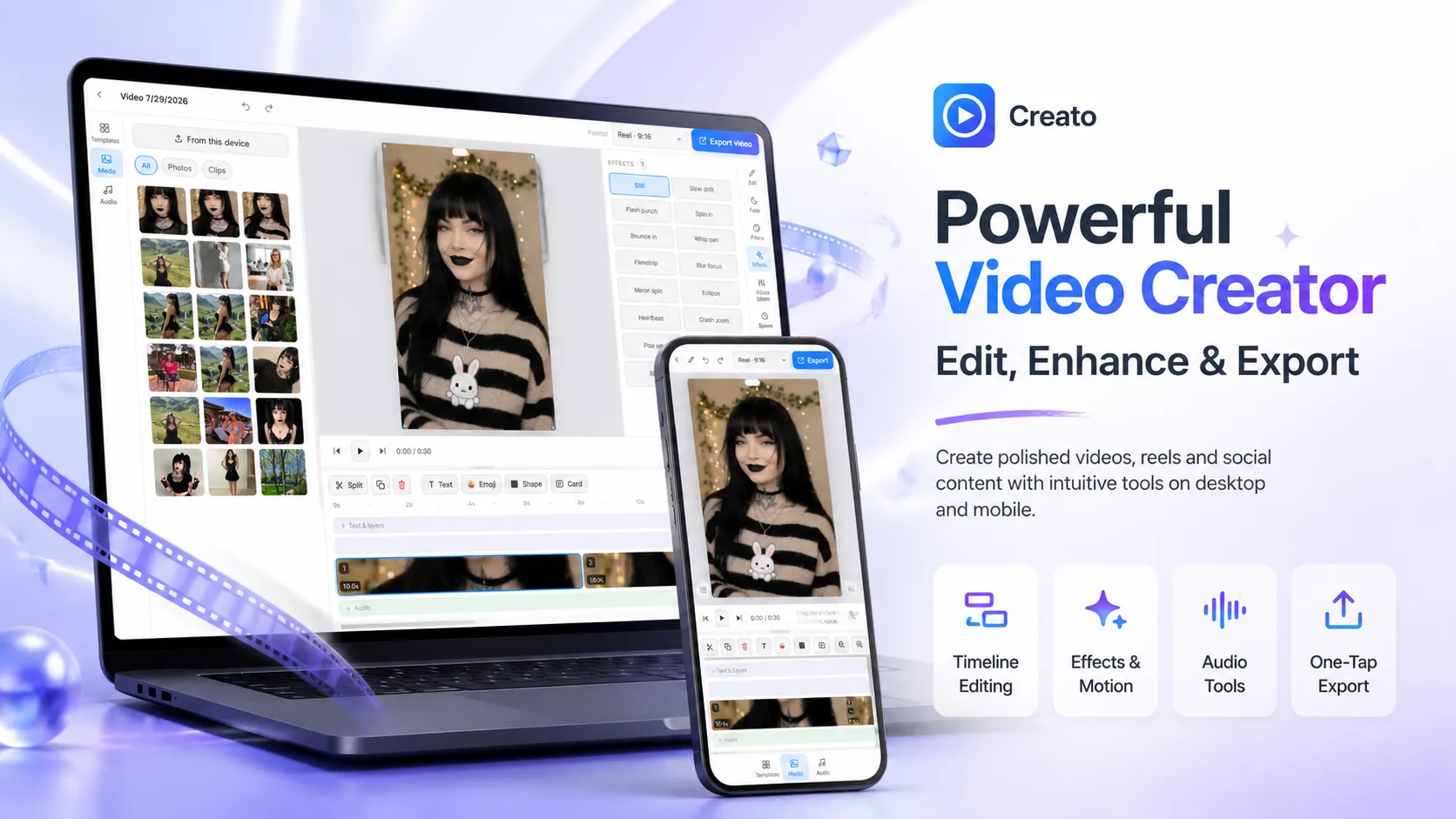
A free online video editor lets you trim, cut, add music, captions, and effects without installing software or paying for expensive desktop programs. In 2026, browser-based free video editors have become powerful enough for social media clips, YouTube videos, Reels, Shorts, and everyday projects.
Here’s a practical guide based on the best free tools available today.
What Is a Free Online Video Editor?
A free online video editor is a web-based tool that runs directly in your browser. You upload (or in some cases process locally) your clips, edit them on a timeline, and export a finished MP4 — often with no watermark on the free plan.
These tools are ideal if you want to:
- Avoid downloading heavy software
- Edit on any computer or Chromebook
- Create social media videos quickly
- Work without a subscription for basic projects
Key Features of the Best Free Video Editors
Looking across popular free options such as CapCut, Clipchamp, Canva, Adobe Express, and dedicated browser editors, these features appear most often:
- Timeline editing – Trim, split, rearrange, and overlap clips
- Crop and resize – Perfect for 9:16 vertical videos, 16:9 YouTube, or square posts
- Music and audio – Free libraries or the ability to upload your own tracks
- Text and captions – Auto-generated subtitles or manual text overlays
- Transitions and effects – Simple fades, zooms, filters, and speed controls
- Templates – Ready-made layouts for social media and marketing videos
- Export options – HD or higher resolution MP4 files, many without watermarks on free plans
- No install required – Everything runs in the browser
Some free editors also include AI tools like auto-captions, noise removal, or highlight detection.
How to Edit a Video Online for Free (Simple Steps)
- Open a free online video editor
Go to a browser-based tool such as CapCut Web, Clipchamp, Canva, or Adobe Express. - Upload your footage
Drag and drop video files or import from your device. Most tools support MP4, MOV, and similar formats. - Edit on the timeline
Cut unwanted sections, rearrange clips, adjust speed, and add transitions. - Enhance the video
Add background music, text, captions, stickers, or simple graphics. Use filters or color adjustments if needed. - Export your video
Choose resolution and download the finished file. Prefer tools that offer watermark-free exports on the free plan.
The entire process can take just a few minutes for short social videos.
Best Types of Free Video Editors in 2026
- Browser-based free editors – No download, work on any device (Clipchamp, Canva, Adobe Express, Flixier-style tools).
- Free mobile + desktop apps – CapCut remains one of the strongest free options with excellent short-form tools.
- Beginner-friendly tools – Canva and Clipchamp stand out for templates and ease of use.
- More advanced free options – Tools that offer multi-track timelines and cleaner free exports without heavy restrictions.
Why People Choose Free Online Video Editors
- No software installation or high system requirements
- Works on low-spec laptops and Chromebooks
- Fast enough for daily social media content
- Many free plans now export without watermarks
- Ideal for Reels, Shorts, TikTok, YouTube, and simple marketing videos
- No long-term subscription needed for basic work
Quick Tips for Better Results with a Free Video Editor
- Keep videos short and focused — especially for social platforms
- Add captions because many viewers watch without sound
- Use a strong hook in the first 1–3 seconds
- Export in the correct aspect ratio (9:16 for Reels/Shorts/TikTok)
- Check that the free plan actually removes the watermark before exporting
Final Thoughts
A free online video editor removes most of the barriers that used to exist for everyday video creation. You no longer need powerful hardware or expensive software to produce clean, shareable videos.
Whether you need a quick trim for Instagram, a captioned Short for YouTube, or a simple branded clip, free browser-based and app-based editors now deliver professional enough results for most creators. Start with one of the popular free tools, test the export quality, and build from there.
Everything on this page works in the browser editor. No watermark, no account, and your files never leave your device.