 Photo Video Editor
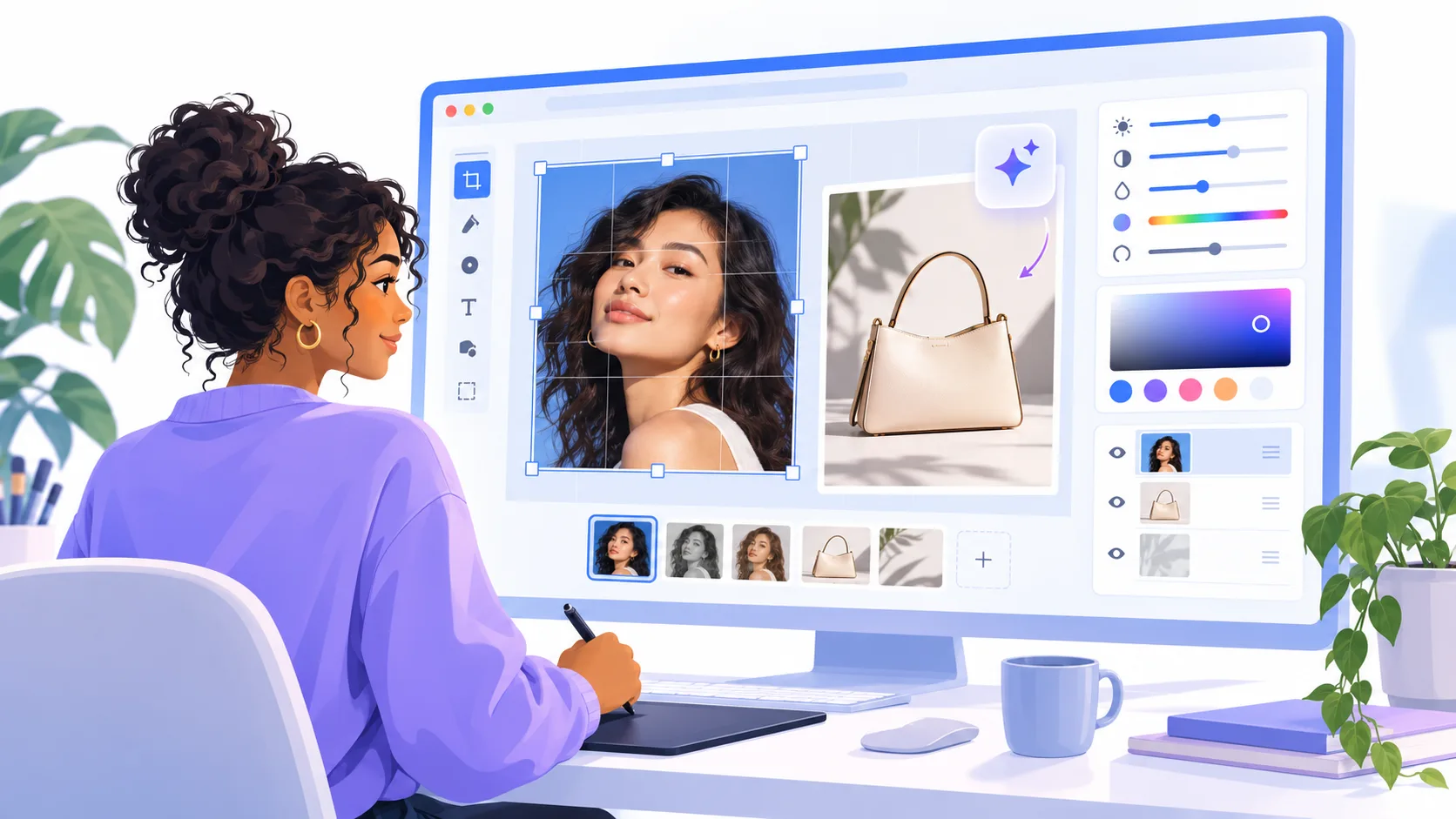
Photo editing: what it is and what you can do with it
Photo editing means changing an existing image to improve its exposure, color, framing, sharpness, or appearance. It can be as simple as fixing a dark phone picture or as involved as preparing a product image for an online shop. Common tasks include cropping, removing backgrounds, cleaning up headshots, adding logos, and preparing transparent PNGs.
The best workflow depends on the intended use, device, file type, and level of control required. For quick browser-based editing, Photo Video Editor's photo editor works without installation or an account, keeps files on your device while editing, and exports without a watermark.
How photo editing works
- Choose the final use. Profile photos, product listings, printed flyers, and social stories need different dimensions and detail levels.
- Keep the original. Work from a copy so you can restore the untouched image.
- Crop and straighten. Improve framing and correct tilted horizons before fine adjustments.
- Fix exposure and white balance. Brighten shadows, control highlights, and correct unwanted color casts.
- Adjust contrast and color. Use moderate changes for a natural result.
- Retouch selectively. Remove dust, temporary blemishes, or distracting objects without making textures artificial.
- Add design elements when needed. Text, shapes, logos, and graphics should support the image.
- Resize and export. Match the destination's dimensions and format while keeping a high-quality master copy.
Common photo editing adjustments
| Adjustment | What it changes | When to use it |
|---|---|---|
| Crop | Framing and aspect ratio | Posts, covers, thumbnails, profiles, and print layouts |
| Exposure | Overall brightness | Images that are too dark or bright |
| Contrast | Difference between light and dark areas | Adding definition without losing detail |
| White balance | Warmth or coolness | Correcting yellow indoor light or blue outdoor casts |
| Saturation | Color intensity | Strengthening muted colors carefully |
| Sharpness | Edge definition | Improving slightly soft images after resizing |
| Background removal | Subject and background separation | Product images, portraits, composites, and transparent PNGs |
Photo editing in Photoshop
Photoshop is useful when you need detailed control over layers, masks, selections, curves, smart objects, and complex retouching. A careful workflow starts with a duplicate layer and uses non-destructive adjustment layers and masks instead of permanently erasing parts of the original.
- Open the image and save a working copy.
- Duplicate the background layer.
- Crop and straighten the composition.
- Use adjustment layers for exposure, levels, curves, color balance, and saturation.
- Make local changes with selections and layer masks.
- Use healing or clone tools for unwanted spots and distractions.
- Review the image at 100 percent for halos, noise, rough selections, and excessive sharpening.
- Export a copy in the format and color profile required by the destination.
The trade-off is time and complexity. For a resize, product cleanup, or social graphic, a browser editor may be faster. For complex composites and detailed layer control, Photoshop offers greater precision.
Photo editing apps and browser editors
Mobile photo editing apps are convenient for camera-roll access, quick filters, and direct sharing. Browser editors are useful on laptops, Chromebooks, shared computers, or devices where installing software is inconvenient.
When comparing the best photo editing app for iPhone or PC, consider whether you need fast adjustments, advanced retouching, templates, AI tools, keyboard controls, high-quality exports, or local file processing. Photo Video Editor combines photo editing, video editing, logos, business cards, flyers, posters, covers, thumbnails, reels, shorts, and stories in one browser-based workspace.
What photo editing software is free?
Free tools vary in export size, templates, storage, AI access, advertisements, and account requirements. Browser editors are useful for quick edits, layer-based editors provide detailed control, template editors support branded layouts, mobile editors offer camera-roll workflows, and AI editors automate tasks such as background removal and image generation.
Free options include Photo Video Editor, Photopea, and free plans from Canva, Adobe Express, Pixlr, Fotor, and Picsart. Before choosing, check supported file types, export dimensions, privacy, watermark rules, and required features. Photo Video Editor's core photo and video editors are free, while optional AI tools use paid credits with pricing shown before an operation. Its background remover offers a free SD cutout, with HD output available through credits or Pro.
For a wider comparison, see the guide to free photo editing apps.
AI photo editing
AI photo editing can identify subjects, remove backgrounds, generate product scenes, create portraits, fix common defects, and apply changes from a text instruction. However, AI may produce mistakes around hair, fingers, glasses, small text, reflections, and fine product edges.
- Choose an AI task such as background removal, portrait enhancement, product imagery, or photo repair.
- Upload or select the source according to the tool's requirements.
- Describe the subject, setting, lighting, composition, aspect ratio, and elements to preserve.
- Review the price before running paid operations.
- Inspect faces, hands, logos, text, shadows, and object boundaries at full size.
- Make manual corrections and export the final image.
Useful prompts should clearly state what must remain unchanged. For example: “Keep the product shape, label, logo, and proportions unchanged. Place it on a clean warm-gray studio background with soft light from the upper left and a natural contact shadow.”
Use the free AI photo editor guide to compare AI tasks and understand where manual editing is still necessary.
Photo editing, manipulation, graphic design, and video editing
Photo editing usually improves or prepares an existing image while keeping its main subject and meaning intact. Photo manipulation changes an image more substantially by combining photos, replacing skies, reshaping objects, or removing important elements. The distinction depends on context, and manipulated images should not mislead viewers in documentary or factual settings.
Graphic design builds a visual composition using photos, typography, shapes, logos, and spacing. A business card, flyer, cover, or social post may require both photo editing and design. Video editing works across time and adds clips, transitions, audio, captions, frame rate, and duration. If still images need to become a reel, short, advertisement, or product demo, a browser-based video editor may be sufficient.
Photo editing and VSCO
VSCO is associated with mobile-first presets and film-inspired looks such as grain and faded contrast. Choose a preset-based mobile tool when speed and a consistent style matter. Choose a browser editor when you need logos, flyers, business cards, transparent cutouts, exact canvas sizes, or combined photo and design elements.
Photo editor vs Photoshop: which should you choose?
| Choose a browser photo editor when | Choose Photoshop when |
|---|---|
| You need a quick crop, correction, resize, or social graphic. | You need complex compositing and detailed layer control. |
| You do not want to install software or create an account. | You need advanced selections, masks, and a mature desktop workflow. |
| You want photos, videos, logos, flyers, and business cards in one tab. | You work with complex files and repeatable professional production processes. |
| You want a simple export without a watermark. | You need specialized retouching, color, or compositing controls. |
How to choose the right photo editor
- Match the tool to the output. Check dimensions, transparency, SVG, JPEG, PNG, or MP4 support.
- Check friction. Consider accounts, installation, cloud uploads, watermarks, and export limits.
- Check privacy. Determine whether files stay on your device or are uploaded, especially for AI tools.
- Check AI pricing. Paid credits should be clearly displayed before use.
- Check the learning curve. A focused browser editor can complete simple jobs faster than a professional desktop application.
- Review the export. Look for compression, missing transparency, altered text, rough cutouts, and color shifts.
Photo Video Editor is a practical choice for editing photos and videos, creating business graphics, and exporting without installing software or creating an account. Its core editors are free, files edited there stay on your device, SVG export is available for vector designs, and MP4 export is available for video projects. AI features are optional paid-credit tools.
Everything in this article works in the browser editor. No watermark, no account.