 Photo Video Editor
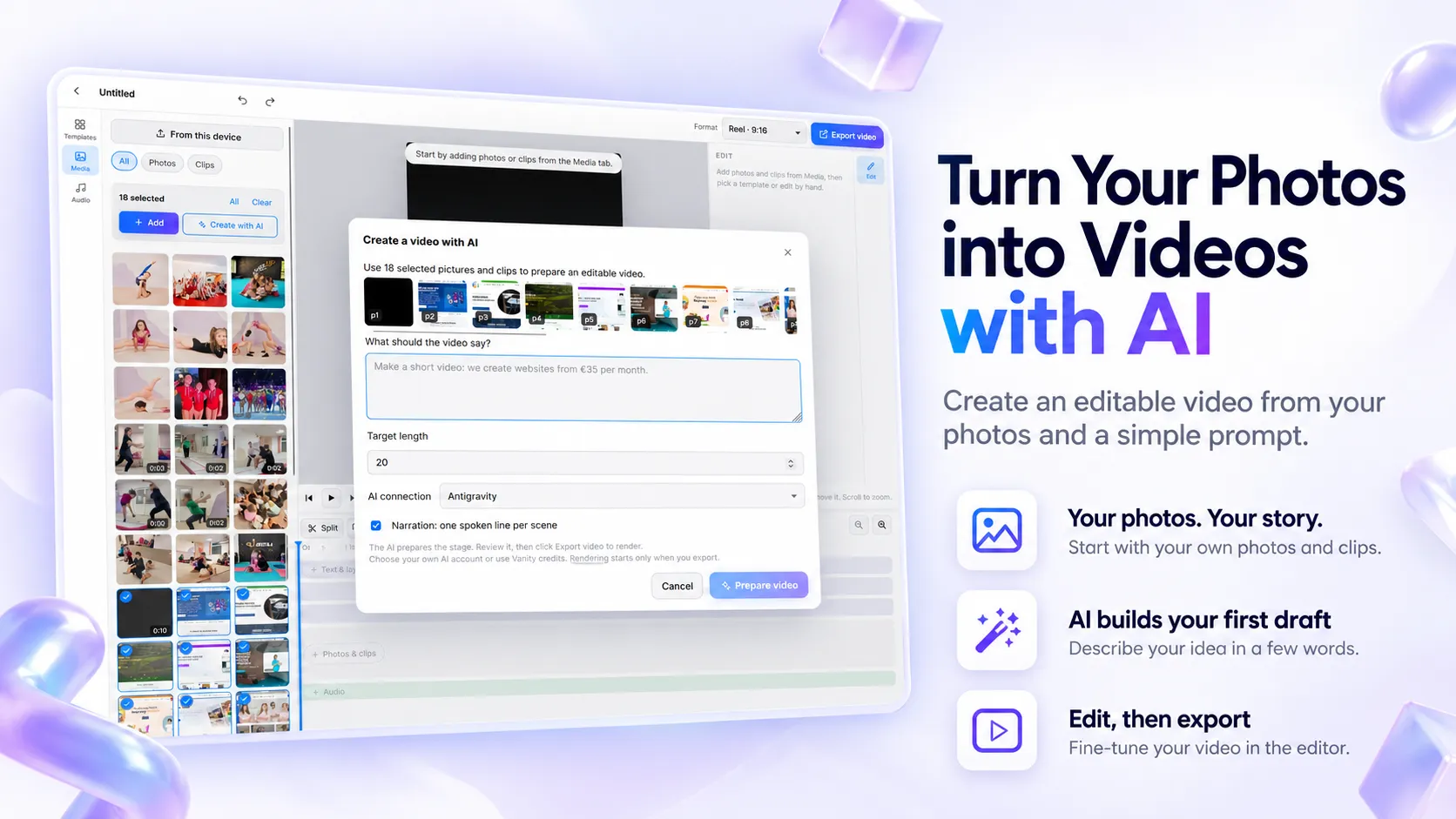
When you use Create with AI in the video editor, the AI acts as an assistant editor: it looks at the pictures you selected, reads your brief, plans the scenes, writes the on-screen lines and sets the timing. The pictures decide what people see. The brief decides almost everything else. Here is how to write one that gets a usable first draft.
Give the video one job
A 20-second video can do one thing well: announce an offer, show a product, invite people to an event, explain one service. If the brief tries to cover the whole business, the AI spreads it thin and every scene says something different. Start the brief with that one job in a sentence.
Put the real facts in
Anything that must be correct has to come from you: prices, dates, addresses, phone numbers, product names, conditions. Write them exactly as they should appear. If you leave a gap, the AI will either skip it or fill it with something general, and neither is what you want in an ad.
Say who it is for and how it should sound
"For parents booking a birthday party" and "for office managers ordering lunch" lead to different wording from the same photos. Add one line on tone: direct, friendly, premium, playful.
Describe the order if you have one in mind
If you already know the story, write it as scenes: what opens the video, what comes in the middle, how it ends. If you do not, say what should come first and last and let the AI arrange the rest. Most short promotions follow the same shape: a hook, two or three proof scenes, the offer, one call to action.
Set the length to match the job
The default target is 20 seconds, and you can choose anything from 5 to 180. A promotion usually works at 15 to 30 seconds. A walkthrough of a property or a product with several features needs longer. A short video with fewer, better pictures beats a long one with many similar ones.
Tell it what to avoid
One line is enough: "No discounts. No superlatives. Do not mention delivery." This stops the AI from adding claims you cannot back.
Two briefs you can adapt
Local business offer: "15-second vertical video for people living nearby. Open with the shop front photo and the line: Fresh bread from 7 every morning. Show the three bread photos. Then: Sourdough loaf 4 euros. End with: Strada Mare 12, open daily. Warm, simple wording. No discounts."
Product launch: "25-second square video for existing customers. Open on the wide product shot: The new backpack is here. Then the three detail photos with one benefit each: waterproof, laptop sleeve, 22 litres. End with: Order on our website. Confident, short lines."
Picking the AI connection
A model that can see images plans around what is in the pictures, which helps when the order matters. A text-only model works from the brief and the file names, so name files descriptively. You can use credits or connect your own AI account; here is how that works.
After the draft
Read every line on screen out loud. If you cannot finish it before the scene changes, shorten the text or lengthen the scene. Check prices and names one more time, watch it once with the sound off, then export. More on the feature itself: make a video from your photos with AI.
Everything in this article works in the browser editor. No watermark, no account.