 Photo Video Editor
Built for the vertical format
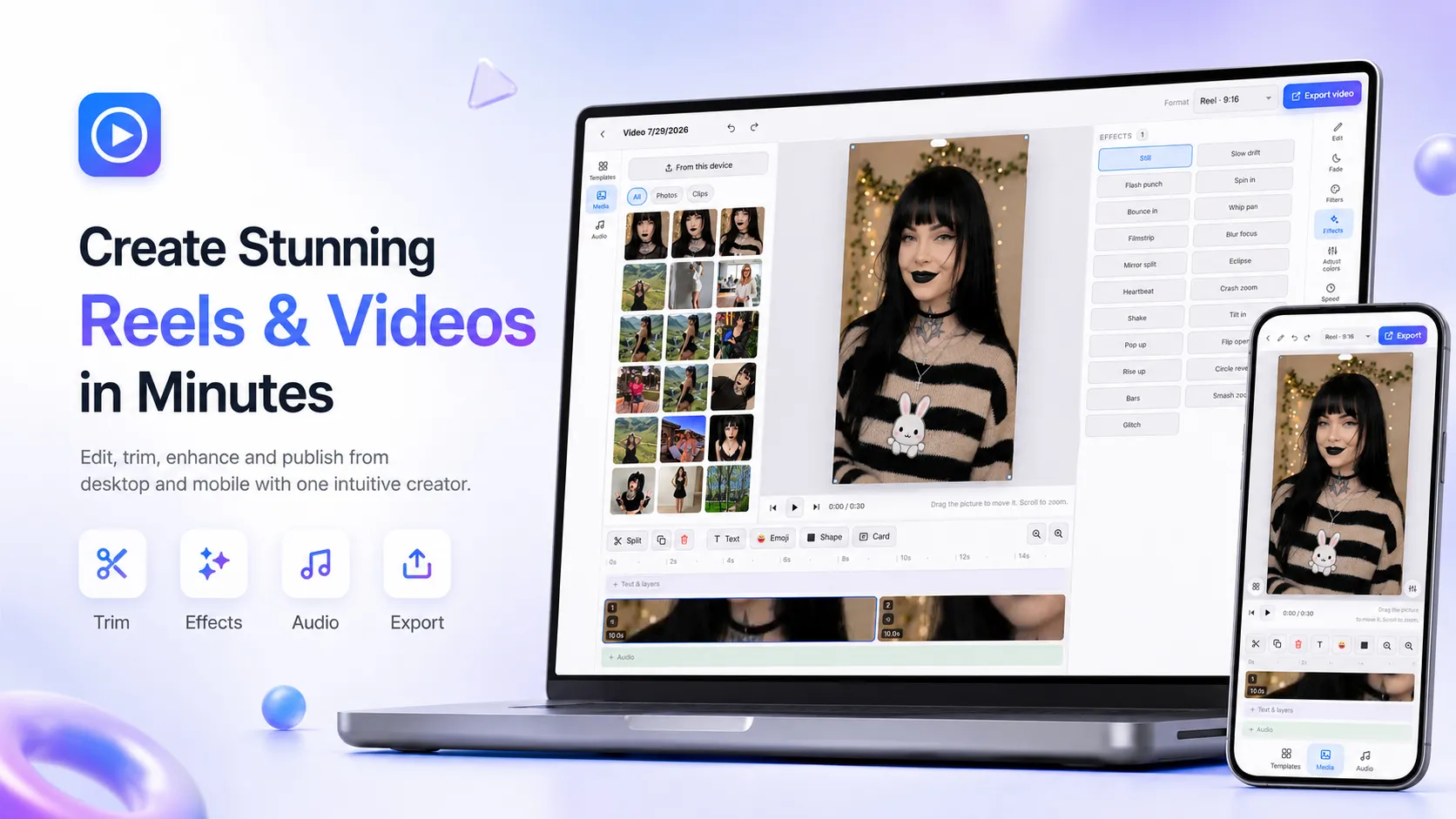
A reel is a different thing from a cut-down YouTube video. People watch it on a phone, often with the sound off, and decide in the first second or two whether to keep watching. The reel maker is the video editor set up for that: a 9:16 canvas, captions that animate in, short scenes and a music bed, all exported as an MP4 that you can post to Instagram Reels, YouTube Shorts or TikTok.
Make a reel in five steps
- Open the video editor and choose the vertical 9:16 format.
- Add your clips and photos. Photos become scenes with movement, so a reel does not need video footage at all.
- Cut it tight. Trim every scene to the moment that matters. Many reels change shot every one to three seconds.
- Add captions and music. Pick one of the caption styles, keep each line short, and add a track.
- Export the MP4. It renders on your device and has no watermark, so the platform does not down-rank a clip branded with another app's logo.
What the editor gives you
- 13 one-tap templates to start a reel from a structure instead of an empty timeline.
- 13 animations and 4 transitions, so photos move and cuts do not jump.
- Animated captions in 3 styles with 4 animations each, plus text, emoji and shape overlays.
- Copy a reel: give it a reel you like and it detects the shot changes on your device, so you can match the rhythm with your own footage.
- Music mixed into the export, or exported on its own as WAV.
Captions that work with the sound off
Write captions for people who will never hear the audio. Put the main point in the first caption, keep each one to a few words, and leave it on screen long enough to read twice. Keep text out of the bottom fifth of the frame, where the platform puts its own buttons and the caption of the post.
No footage? Start from photos with AI
If all you have is a set of product photos or pictures from an event, select them and press Create with AI. The AI plans the scenes, writes short on-screen lines and sets the timing, and you get a normal editable timeline to finish. Read how to make a video from photos with AI.
Everything on this page works in the browser editor. No watermark, no account, and your edits stay on your device.