 Photo Video Editor
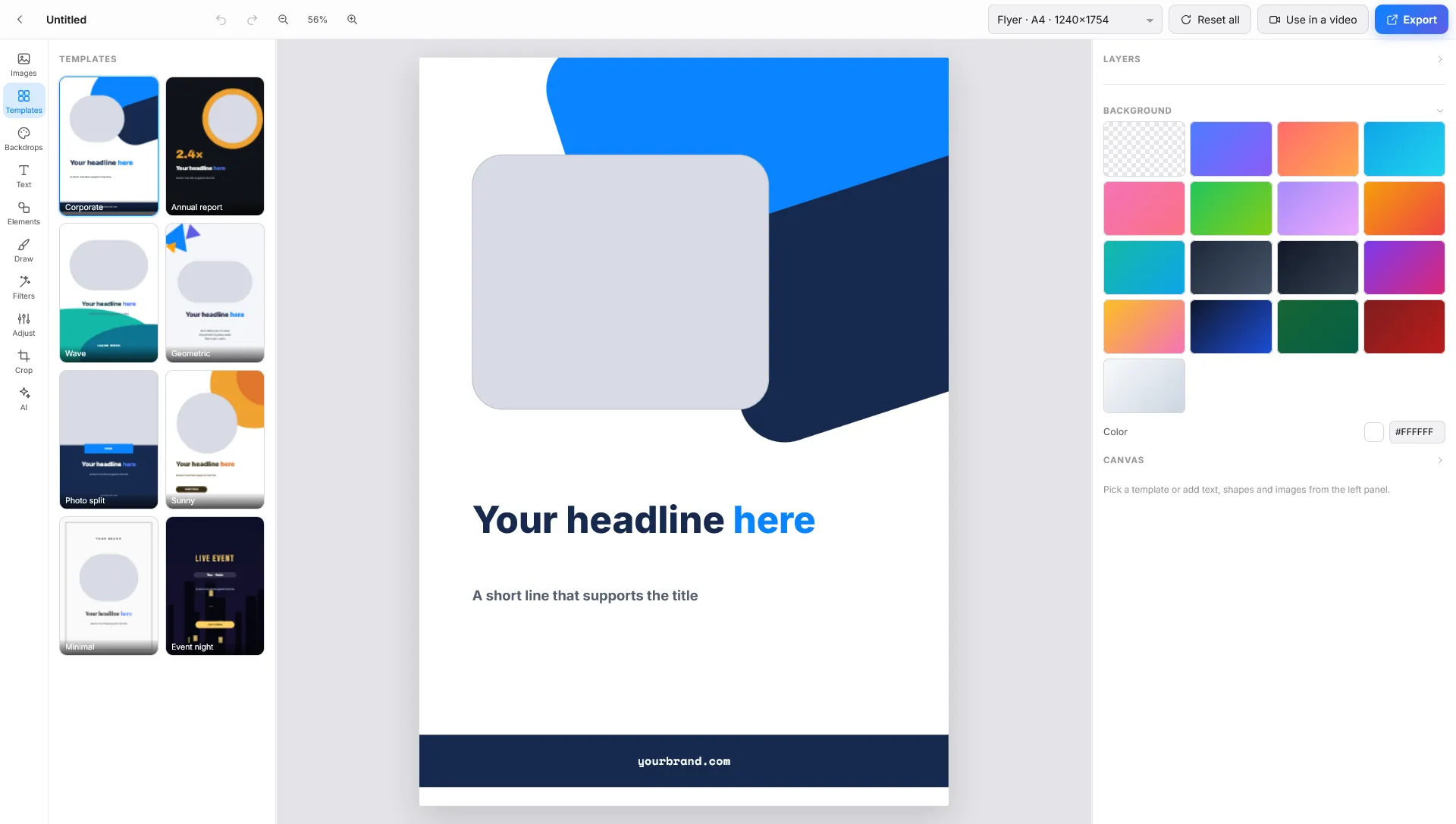
Designed at print size from the start
The most common problem with a home-made flyer is not the design but the file: wrong size, text too close to the edge, a low-resolution logo. The card and flyer maker starts from the real print dimensions, so what you see is what the print shop gets.
What you can design
- Business cards with your logo, name, role and contact details.
- Flyers and posters for an event, an offer or a new opening.
- Brochure pages for a menu, a price list or a short service overview.
Make a business card in five steps
- Open the business card maker and pick a layout.
- Add your logo. If you do not have one yet, make it first in the logo maker.
- Write only what people need: name, what you do, one phone number or email, and your website.
- Keep text well inside the edges, since the printer trims the paper and anything close to the border can be cut.
- Download the print-ready file and send it to your print shop.
Flyers people actually read
- One message per flyer. The headline should make sense from two metres away.
- Put the when, where and how much in the top half.
- Use a real photo of your product, place or team rather than a generic stock image.
- End with one clear next step: a phone number, a QR code or an address.
Same design, also for social
A flyer often needs a social version too. Open the same design in the photo editor, switch to a square or vertical size, and export a post or story to go with the printed version.
Try it now, free
Open the editor
Everything on this page works in the browser editor. No watermark, no account, and your edits stay on your device.