 Photo Video Editor
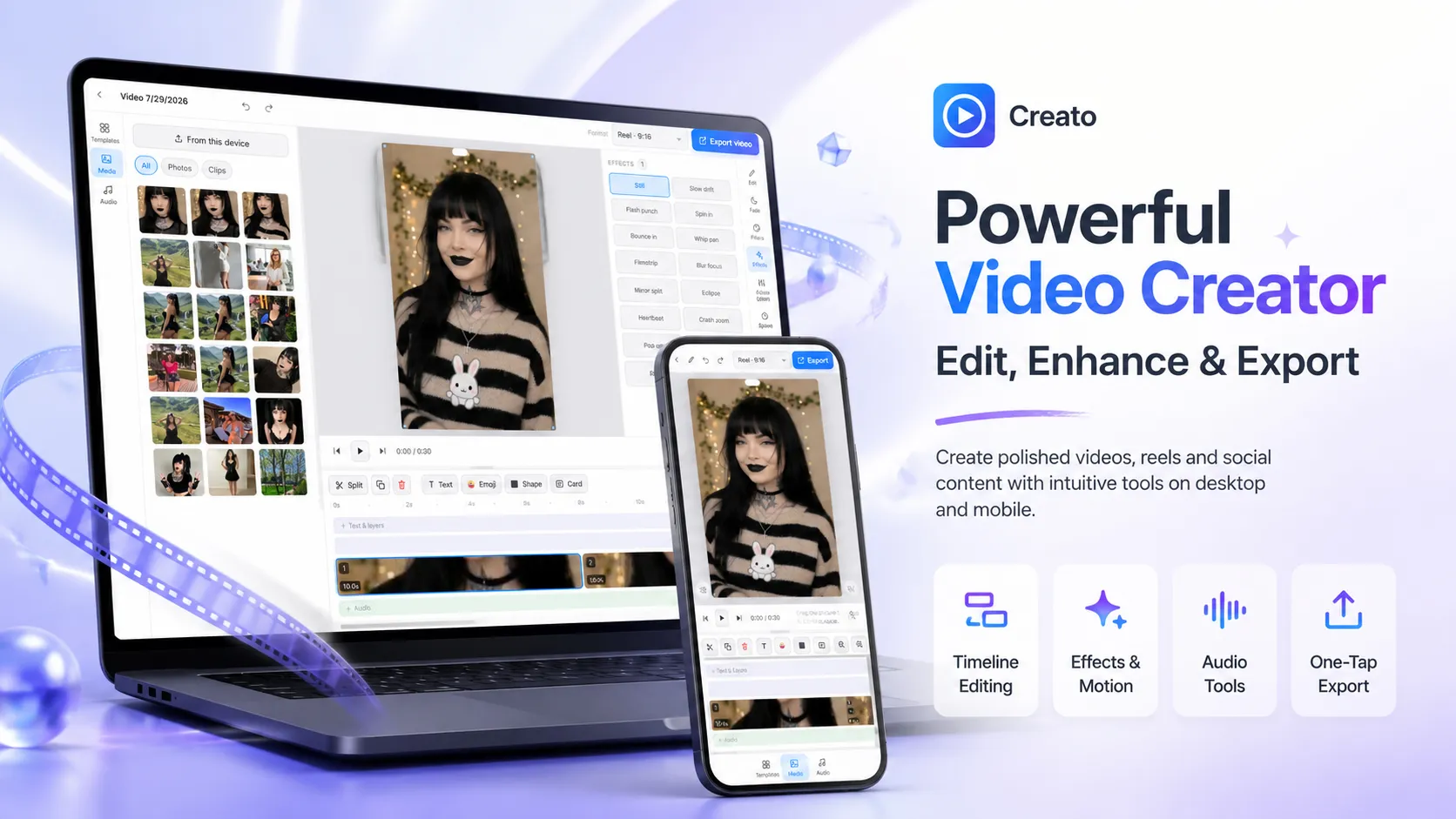
A timeline editor that runs in your browser
Many free online video editors upload your footage, render it on their servers and then ask you to pay to remove their logo. This one works the other way round. Your clips stay on your device, the preview and the final render both happen in your browser, and the MP4 you download is clean.
A project is a row of scenes on a timeline. A scene can be a video clip, a photo or a simple text card, and you finish the whole thing with captions and a music track.
What is included
- Timeline editing: drag scenes to reorder them, trim with the grip, split a clip, select several scenes at once, copy and paste.
- Motion: 13 animations for photos and text and 4 transitions between scenes.
- Captions in 3 styles with 4 animations, plus text, emoji and shape overlays.
- Look: frame and colour grading for each clip.
- Music mixed into the export as AAC audio, or the soundtrack exported on its own as WAV.
- 13 one-tap templates when you would rather not start from an empty timeline.
How to edit a video, step by step
- Open the video editor and add your clips and photos. They are kept in your browser, not on a server.
- Choose the format: vertical 9:16 for Reels, Shorts and TikTok, square for feeds, or 16:9 landscape for YouTube.
- Put the scenes in order, trim each to the part you need, and add a transition where a cut feels abrupt.
- Add captions and music, then watch it through once with the sound on and once with it off.
- Click Export video. The MP4 is rendered on your device and saved to your downloads.
Why the export happens on your device
The editor renders with the video encoder built into your browser (WebCodecs), so there is no upload, no render queue and no file size limit set by a server. A faster computer renders faster. Where a browser has no WebCodecs support, the editor uses a fallback so you can still export.
Want the first draft done for you?
If you have the material but not the time, select your photos and clips and press Create with AI. The AI plans the scenes, writes short on-screen lines and sets the timing, and you get an ordinary editable timeline to adjust. See how to make a video from photos with AI, or the reel maker page for vertical video tips.
Everything on this page works in the browser editor. No watermark, no account, and your edits stay on your device.