 Photo Video Editor
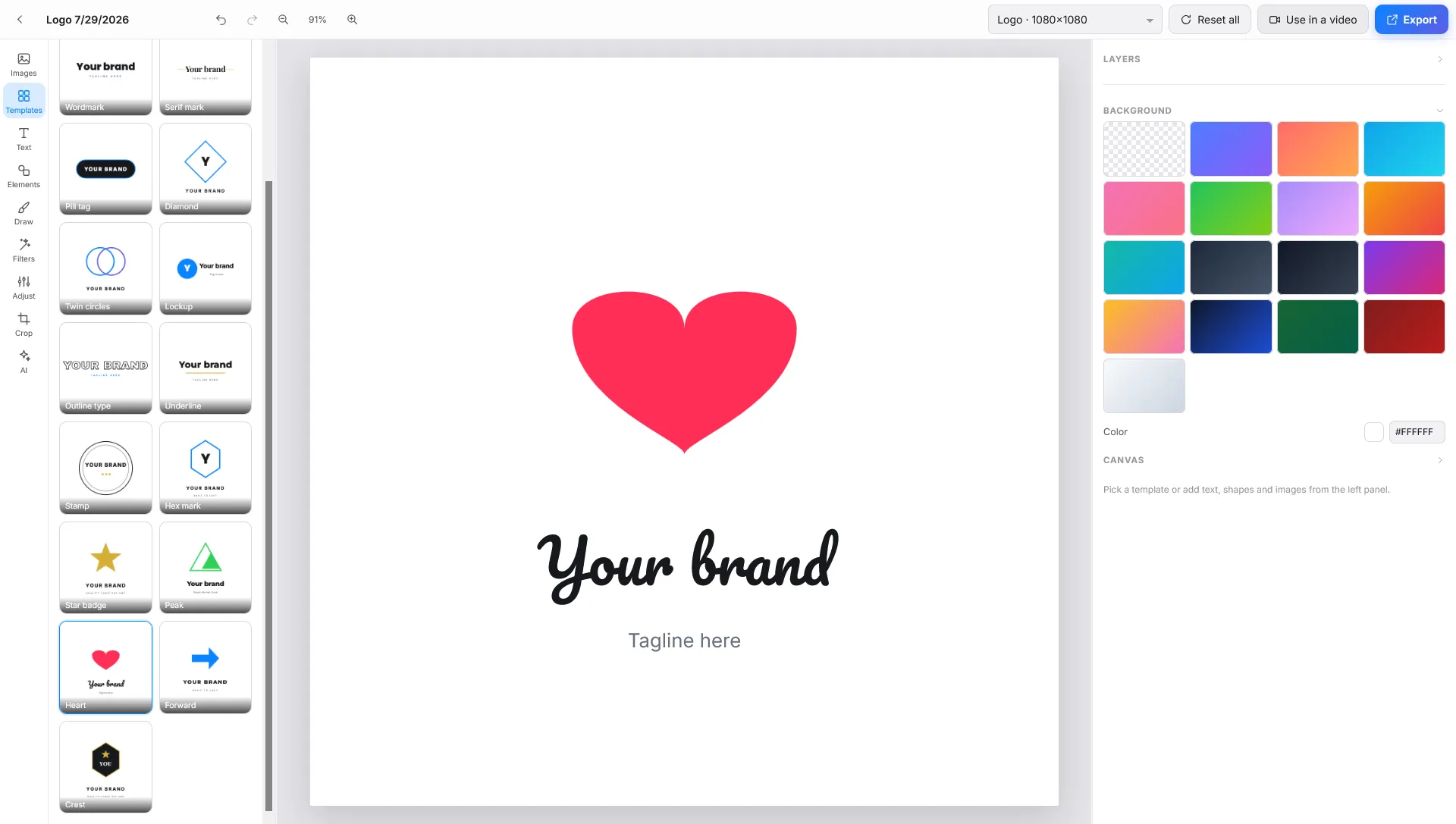
A logo you actually own
Plenty of free logo makers let you design for free and then charge for the file you need, usually the vector version. Here the SVG download is free. You get a file that scales from a favicon to a shop sign without going blurry, plus a PNG for places that do not accept SVG.
What you can make
- Symbol marks: a simple shape or icon with your name next to it or under it.
- Monograms: one to three letters set in a strong frame or shape.
- Wordmarks: just the name, in a typeface and colour that does the work.
Text stays live while you design, so you can try spelling variations, letter spacing and weights without starting again.
Design a logo in five steps
- Open the logo maker and pick a starting layout, or start blank.
- Type the name and choose a typeface that suits the business: plain for a tech service, warmer for a café.
- Add or pick a symbol and keep it simple enough to recognise at the size of an app icon.
- Limit yourself to one or two colours, and check the logo in black and white too.
- Export SVG for print and the web, and PNG for social profiles and documents.
Check before you use it everywhere
- Shrink it to 32 pixels wide. If you cannot tell what it is, simplify it.
- Put it on a dark and a light background. You may need a light version of the mark.
- Search your name and symbol before you print anything, so you are not too close to an existing brand.
Next steps
Once the logo is ready, put it on business cards and flyers, or use it as a layer in the photo editor and the video editor to brand your posts and videos.
Try it now, free
Open the editor
Everything on this page works in the browser editor. No watermark, no account, and your edits stay on your device.